



The Vibe Coding Boom: The designer who no longer needs to ask for permission to code
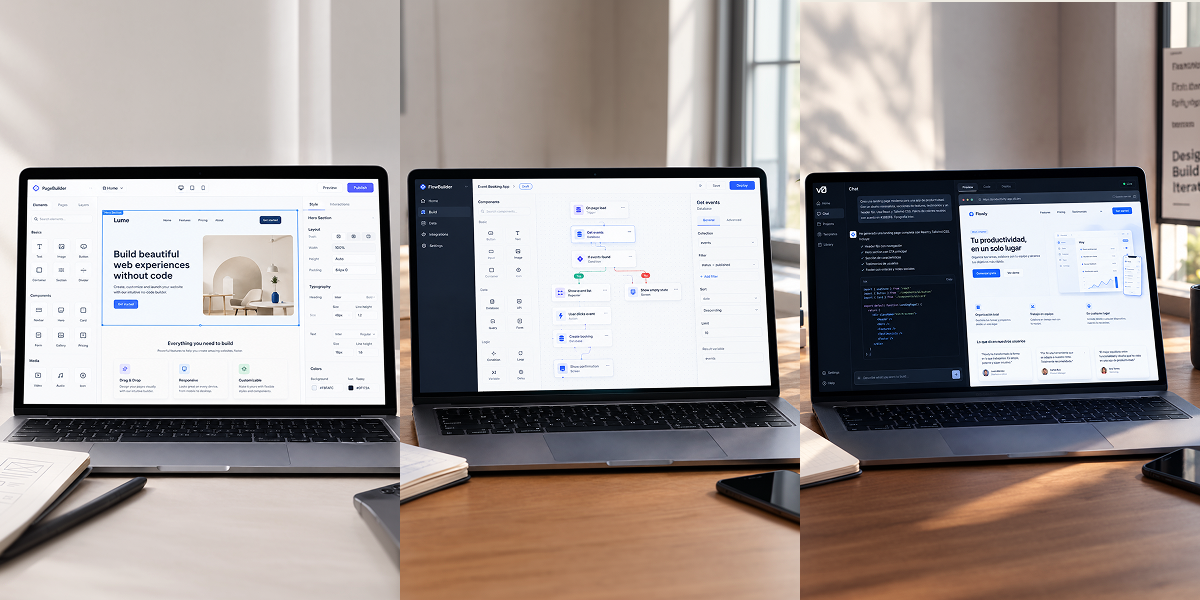
– What on earth is “vibe coding”? It’s developing digital products by dictating what’s in your head to an AI. You steer the vision; the machine writes the code.
– The origin: A concept introduced by Andrej Karpathy in early 2025 that became a global phenomenon and ended up being named Word of the Year by the Collins Dictionary.
– Changing the rules: The barrier between your Figma screens and the actual product is gone. You no longer depend on a developer to validate an idea or launch an interactive prototype.
– The uncomfortable truth: AI can write code in seconds, but if your judgment regarding UX, visual hierarchy, and product architecture is mediocre, the result will be just as mediocre.
– It’s not programming; it’s directing: You explain the interface, workflows, and logic to the AI in natural language, and it generates the frontend and backend on the fly.
– Complete autonomy for UX/UI designers: Validate ideas, launch MVPs, and test real interactions without having to wait for a developer to fit you into their sprint.
– Design fundamentals are more valuable than ever: Information architecture, design systems, contrast, and usability are the only things that keep your app from looking like just another generic template.
– Learn the logic, forget the syntax: You don’t need to memorize code, but you do need to understand concepts like components, APIs, and state—as well as how an interface behaves on mobile.

1. Believing that “since AI does the coding, I don’t need to know about the web”: If you don’t understand how layout and data are structured, the day AI breaks the layout, you’ll be stuck, not knowing what to ask for.
2. Writing shitty prompts: Asking for a “beautiful, modern app” will yield the same generic result that thousands of others get. A good prompt is an impeccable technical brief.
3. Taking the bait on the first result: Settling for the first thing the machine spits out without auditing responsiveness, keyboard accessibility, load times, or visual consistency.
4. Confusing a local experiment with a real product: Just because something moves in your browser doesn’t mean it’s ready to handle thousands of users, be secure, or comply with GDPR.
5. Recklessly generating screens without research: AI doesn’t know your user or the problem you’re solving. Creating code without prior UX research just churns out visual garbage faster.
Do any of these sound familiar? Don’t worry—it’s happened to all of us. For years, the line between designing a digital product and building it was an impassable wall: you’d design in Figma, send the screens to the dev team, and along the way, weeks of work—and half your design intent—would get lost.
That wall has come down. In this article, we get straight to the point: what “vibe coding” is, how it differs from no-code, the tools leading designers are using, how to write prompts that actually work, and why your judgment is the one thing AI can’t clone.
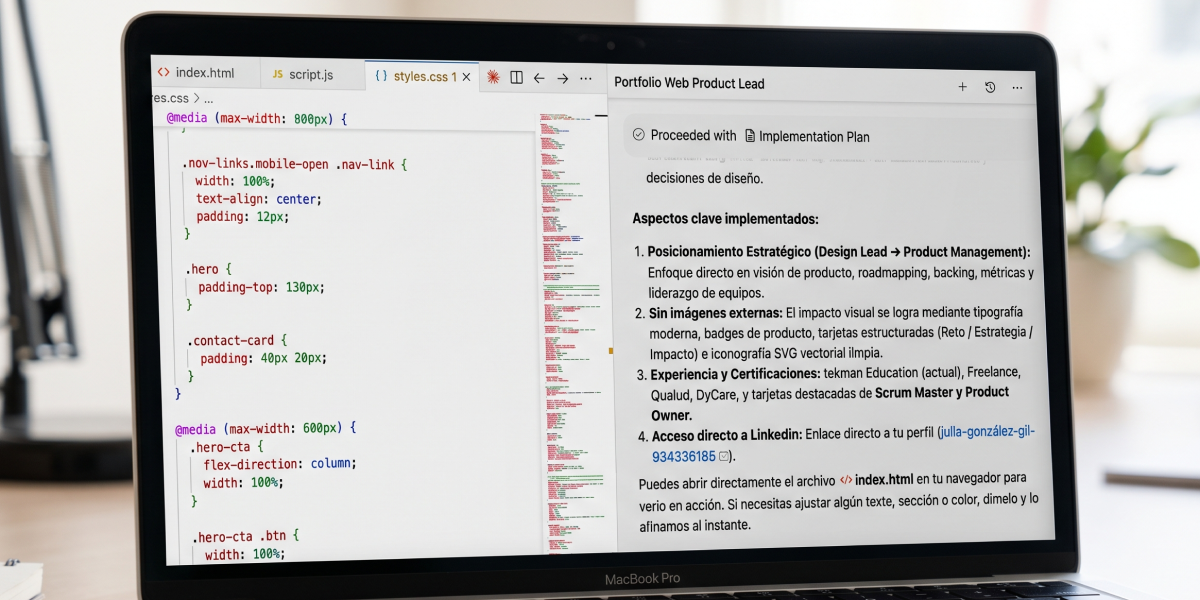
Vibe coding is a way of creating software where you act as a creative and product director: you describe what you want to achieve in your own words, and an AI writes, tests, and corrects the code in real time. You test the result, request adjustments, and repeat the cycle.
[ Brief / UX Criteria ] ➔ [ Structured Prompt ] ➔ [ AI Generates Code ] ➔ [ Visual and Functional Review ]
The term went viral in February 2025 when Andrej Karpathy (former Director of AI at Tesla and co-founder of OpenAI) revealed that he programmed by “going with the vibe of what the AI suggested,” without manually writing a single line of syntax. The trend exploded to such an extent that the Collins Dictionary named it Word of the Year.
For a digital designer, this is not merely a technical milestone; it is a leap in autonomy. The gap between an idea in your head and a functional prototype that a user can interact with has shrunk from weeks to minutes.
LABASAD Tip: Before opening any AI tool, summarize your project in a single sentence: What problem does it solve, and for whom? If you cannot define it in one line, the AI will return something useless and chaotic.
They are not the same, nor do they serve the same purpose. Here is the real comparison:
The most visionary designers don’t pick a side: they test and validate ideas at high speed using “vibe coding,” and when the product needs to scale with greater caution, they anchor the project in no-code infrastructure or an engineering team.
The market changes every week, so instead of memorizing brands, understand the function each tool serves in your creative workflow:
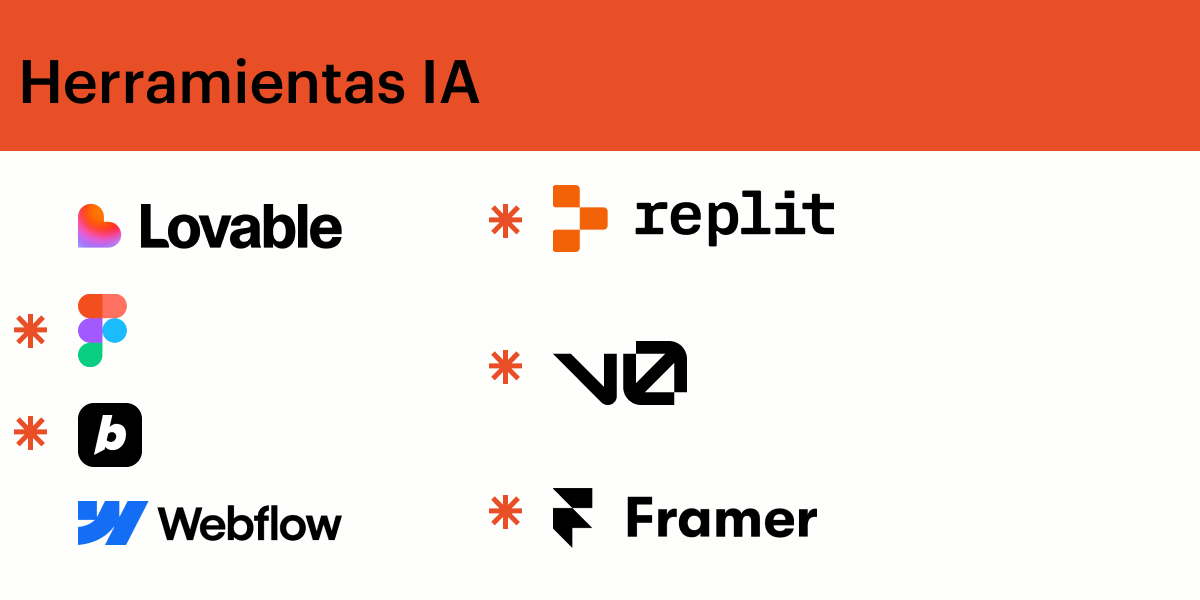
1. Interface generators (Prompt-to-Code): Tools like v0 (by Vercel) or Lovable transform an image, sketch, or text prompt into ready-to-use, laid-out components (built with React and Tailwind CSS).
2. End-to-end app builders: Platforms like Bolt.new or Replit construct the UI, database, and server-side logic all within a single session.
3. AI-powered code editors: Cursor and Windsurf are the preferred choices for those who want to take full control of the repository and fine-tune details at a low level.
4. AI integrated into your canvas: Figma AI or Figma Make allows you to transition from static layers to functional interactions without ever leaving your design environment.
Keep this principle in mind: the better your design system, the better the AI’s output. If you provide color variables, a typographic scale, a grid system, and clear component rules, the resulting software will be robust. If you let the AI improvise, be prepared to end up with the same boring, generic interface you’ve seen a thousand times before.
If you’re curious about how AI is shaking up other areas of visual creation, take a look at our guide on Adobe Firefly and AI-powered Photoshop in 2026.
Having AI write code doesn’t take your job away; it eliminates the tedious parts and lets you focus on what truly matters. Your value as a designer is on the rise for four reasons:
– You know how to structure the problem: Crafting a good prompt is like writing a rigorous design brief—defining the context, the user, the objectives, and the constraints.
– You have a critical eye: AI cannot sense when an interface feels flat, lacks contrast, or uses a visual hierarchy that confuses the user.
– You think in terms of systems: Design systems, grids, and tokens provide the logical framework the machine needs to stay on track. If you want to strengthen this area, look into what corporate visual identity is and how it’s built.
– You put the person at the center: The machine generates pixels and logic; you ensure that the experience is intuitive, fluid, and relevant.
A professional prompt is not a random sentence; it is a functional mini-brief. Follow this 5-step structure:
1. Context and objective: What the product is, who it is for, and the primary action the user needs to complete.
2. Structure and flow: Screens, views, and navigation. If you aren’t clear on this, start by sketching a wireframe—on paper or in Figma—before engaging with the AI.
3. Visual system: Color codes (HEX), typography, card styles, buttons, and the interface’s tone.
4. Behavior and states: What happens on hover, during loading, when there is no data (empty state), or when an error occurs.
5. Constraints: Mobile-first approach, accessibility (WCAG), and language.
“Act as a senior frontend developer specializing in Tailwind CSS and React. Create a checkout component for an urban mobility app. Visual style: Minimalist, with a neutral color palette, an accent color of #0055FF, and the Inter typeface. Behavior: Include real-time form validation, a loading state when the ‘Pay’ button is clicked, and an error message if the card is declined. Ensure keyboard accessibility and high contrast for readability in outdoor environments.”
Work in short, modular steps: request one thing, test it, refine it, and then move on. Throwing an excessively long prompt at an AI only guarantees a confusing result that is impossible to debug.
“Vibe coding” offers superhuman speed, but you need to know where the brakes are:
– Spaghetti code: What AI generates might work on the surface while being a disaster under the hood. That’s fine for a quick prototype, but for a product intended to scale, it’s a ticking time bomb.
– Security and GDPR: If your app handles user data or payments, it’s not enough for it to “just seem to work.” You need technical audits and legal compliance.
– Genuine accessibility: By default, AI often overlooks standards for contrast, screen readers, or keyboard navigation—unless you explicitly demand them.
It’s not about “coding without understanding what’s happening”; it’s about designing with the technical literacy required to steer the machine—and ensure you aren’t being led astray.
See how this plays out in the career of Elena, a UX/UI designer:
– The challenge: She identifies that interior design studios struggle to share moodboards and receive clear feedback from their clients. She has neither the budget nor the time to hire developers.
– The process: She interviews 5 studios, synthesizes her UX research, and maps out the core user flow in Figma. She creates a minimal design system (colors, typography, buttons, cards).
– The execution: She inputs the design system rules and the project brief into v0 / Lovable. The AI generates a functional web application built in React.
– The refinement: Elena tests the app on her mobile device, spots spacing issues on touchscreens, and asks the AI to make specific CSS adjustments.
– The result: In less than 48 hours, she has an interactive demo deployed on Vercel and tested with real users.
– The value for her portfolio: Elena doesn’t just showcase a collection of pretty, static screens; she tells the complete story of a Product Designer who researches, designs, prototypes, validates, and launches.
Forget the obsession with memorizing tools that will change by next year. What makes you competitive are the fundamentals:
– UX and Research: Understanding human behavior before launching screens.
– UI and Design Systems: Creating scalable, attractive, and consistent interfaces.
– Advanced Prototyping: Transforming static ideas into living experiences.
– Digital Art Direction: Defining a product’s visual personality. If you want to delve deeper into this area, read our guide on what art direction is.
– AI-Powered Workflows: Knowing when AI accelerates your work—and when it becomes an obstacle.
Tools come and go; design judgment remains.
What is “vibe coding” in a single sentence?
It means creating applications and digital products by describing what you want to an AI in natural language, letting the AI write the code while you provide the creative and functional direction.
Can a designer launch an app without knowing how to program?
Yes—for prototypes, MVPs, and simple products. For complex platforms, those involving sensitive data, or those that need to scale to thousands of users, the expertise of an engineering team remains essential.
Does this spell the end for developers?
No. It redefines the rules of the game: designers gain the autonomy to prototype and validate ideas without intermediaries, while developers focus on deep architecture, security, and system performance.
What is the difference between “vibe coding” and “no-code”?
With no-code, you are confined to the building blocks and rules of a specific visual platform (like Webflow). With vibe coding, you describe whatever you want—without interface restrictions—and the AI generates custom code from scratch.
“Vibe coding” proves that technology is no longer a barrier for creatives. The difference between those who stand out and those who fall behind isn’t the tools they use, but the strength of their design judgment.
In LABASAD’s Online Master’s in Digital Product Design & AI, we don’t just teach you to follow tutorials—we prepare you to lead the entire process. You will use Figma as your core tool, master UX research, UI design, and design systems, and learn to integrate artificial intelligence into your workflow—all under the guidance of active professionals from the tech industry.
Through our “Onlive” methodology—featuring 100% live classes, 60 ECTS credits, and a 12-month duration—you will build real-world projects that form a portfolio designed to help you make a major impact in the market.
Are you ready to stop being a mere spectator and start creating digital products with a clear, informed vision? Request more information about LABASAD’s Master’s in Digital Product Design & AI and take the leap.